20/08/2026 · Guides
How long does a GoHighLevel client setup really take?
A step-by-step breakdown of where the 7 to 17 hours go in a typical agency onboarding, which parts can be compressed, and which cannot.
By The usepicked team
Ask ten GoHighLevel agency owners how long it takes to set up a new client and you will get answers between "an afternoon" and "most of a week". Both are honest. The difference is what they count.
We asked agencies to walk us through their last five client setups, step by step, before we wrote a line of usepicked. The pattern below is what came back. If you run an agency or sell setup as a consultant, time your next onboarding against it.
Where the hours actually go
A typical "install the snapshot and personalise it" setup for a local service business breaks down like this:
- Intake call and notes (1 to 2 hours). Services, service area, hours, who answers the phone, what a good lead looks like, what the follow-up should sound like. Half of this information is already on the client's website.
- Cloning and cleaning the snapshot (30 to 60 minutes). Create the sub-account, load the snapshot, delete the workflows this client will not use, rename the ones they will.
- Pipeline (30 minutes). Rename generic stages to the words the client uses. A dentist does not have "Proposal sent"; they have "Treatment plan presented".
- Rewriting messages (2 to 6 hours). This is the big one. Every SMS and email in the snapshot says "Hi {{name}}, thanks for contacting {{company}}". It has to be rewritten in the client's voice, with their services, their booking link and their tone. A missed-call recovery flow alone has four to six messages. Multiply by six or eight modules.
- Conversation AI and Voice AI (1 to 4 hours). Agent identity, greeting, qualification questions, what it may and may not promise, when to hand off to a human, working hours. Most agencies do this badly under time pressure and then spend the first month fixing it from call transcripts.
- Knowledge base (1 to 2 hours). Services, pricing, FAQs, policies, locations, hours. Usually copied from the website by hand, which is why it is often skipped and the agents hallucinate.
- Activation (30 to 90 minutes). Phone number, email sending domain, calendar, Google Business Profile, then a test lead to confirm things fire.
Add it up and you land between 7 and 17 hours of skilled work, before the client asks for changes. Agencies that quoted "an afternoon" were counting only the cloning and pipeline steps and shipping generic messages. Agencies that quoted "a week" were doing everything above properly and interleaving it with other clients.
Why generic snapshots do not solve it
The obvious shortcut is to sell the snapshot as-is and let the client personalise. It fails for a predictable reason: the parts that need personalising are exactly the parts that make the system work. A missed-call text that does not mention the business name gets ignored. A Conversation AI agent with no knowledge base answers "I'm not sure, let me check" to every question. A pipeline with stages the team does not recognise gets abandoned in week two, and with it every automation that moves leads between stages.
So the choice agencies face is low margin (senior time on every setup) or high churn (generic setups that never go live). Neither scales past a handful of clients a month.
What can be compressed, and what cannot
Looking at the list again, most of the time is spent on three things: gathering facts about the business, writing text in the business's voice, and clicking the same configuration screens in the same order. All three are compressible.
- Facts are mostly on the website already. A crawler and a structured extraction step can propose services, hours, locations, offers and FAQs in a minute. What it cannot do is decide which of them are right, so the proposals need a human tick on each one.
- Text can be drafted from a confirmed profile far faster than it can be written from scratch, as long as every draft is read and approved by someone who knows the business, and as long as a bad draft can be regenerated without losing the previous version.
- Configuration is API work. Creating the sub-account, writing custom values, setting up the pipeline and agents is repeatable and retryable, provided it is driven from a frozen specification rather than from a person's memory.
What cannot be compressed is the review. Someone accountable has to read the messages the client's customers will receive. And the account-bound connections (phone number, sending domain, calendar, Google Business Profile) cannot be transferred by anyone; they have to be connected inside the destination account.
What this looks like in usepicked
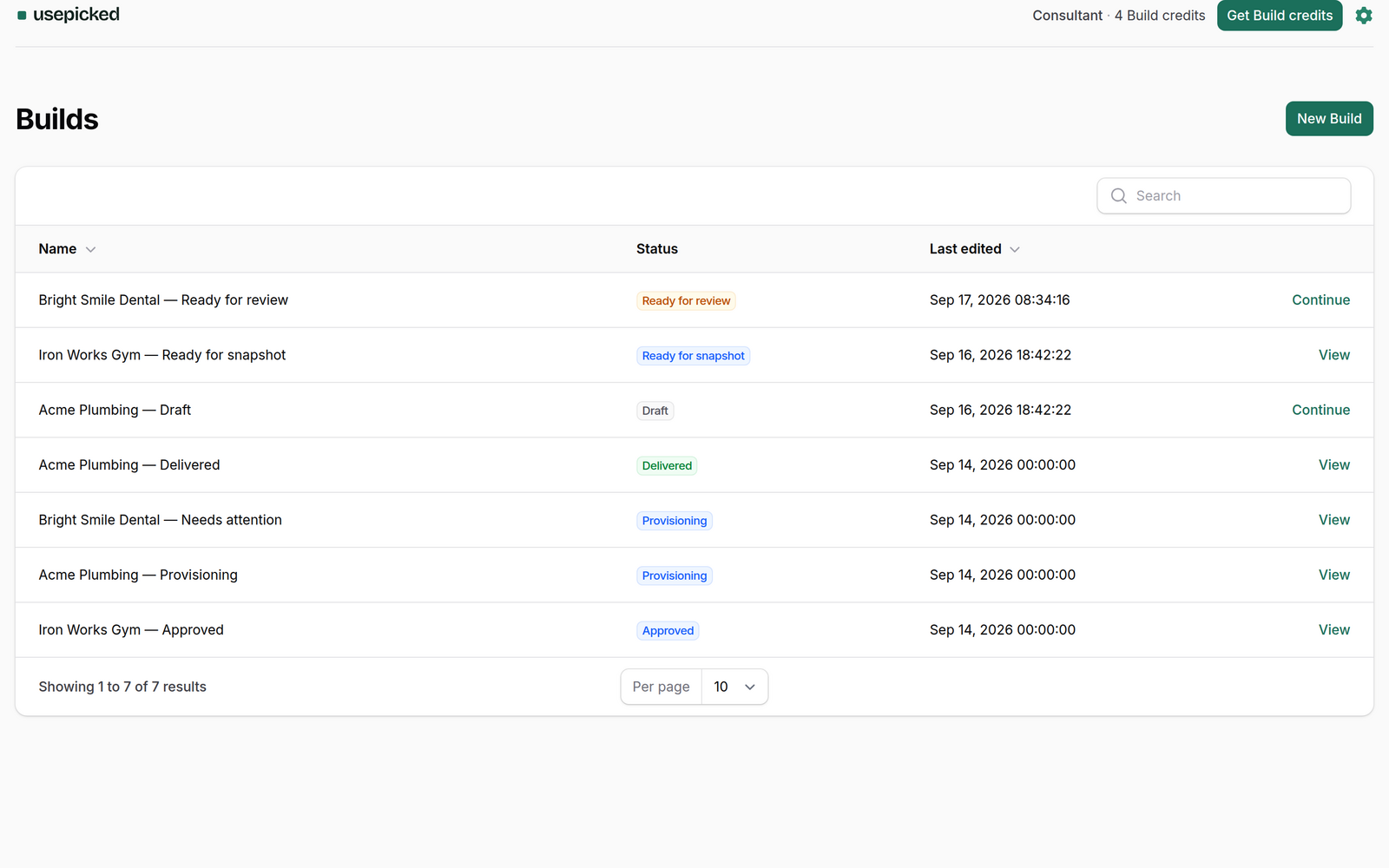
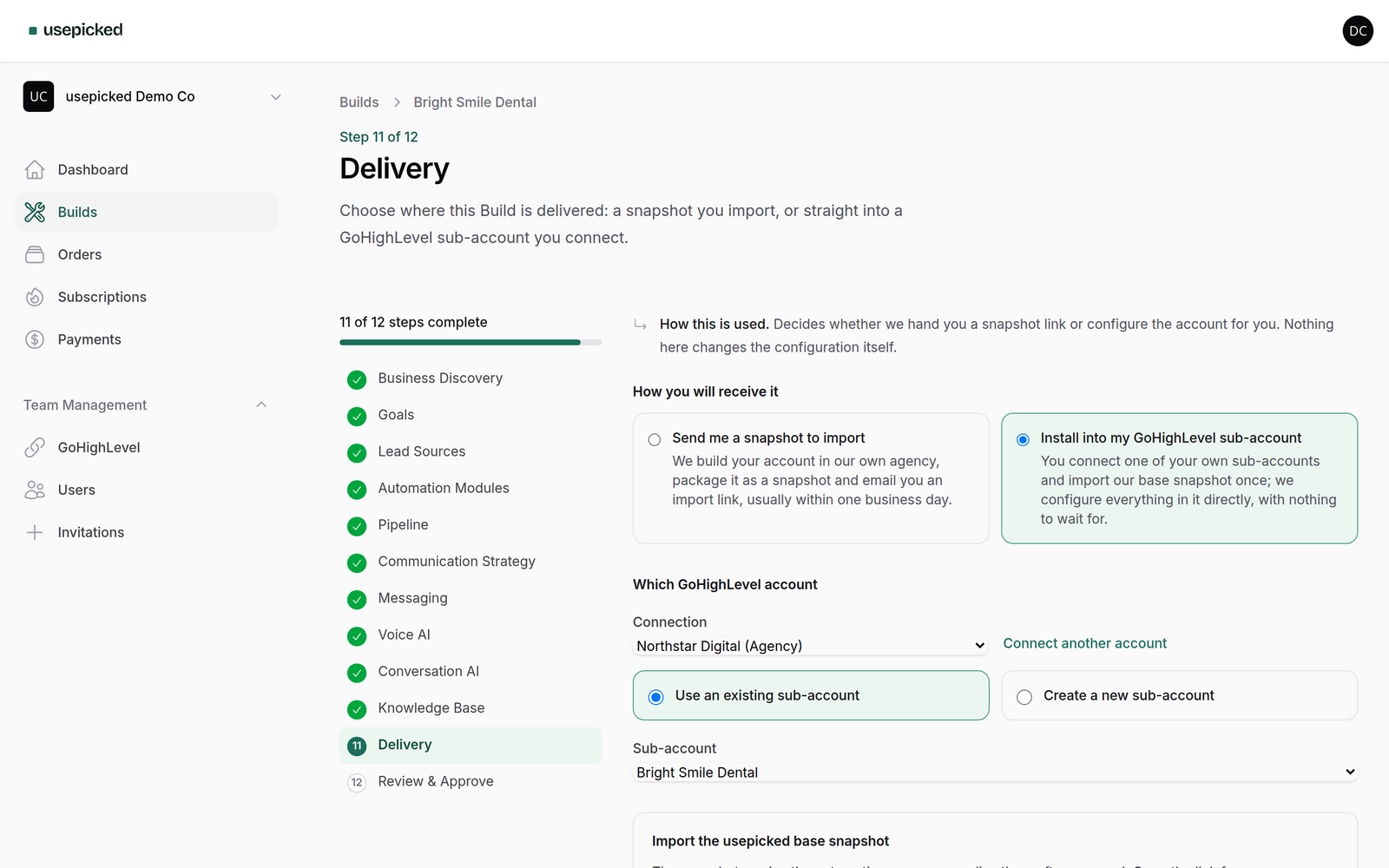
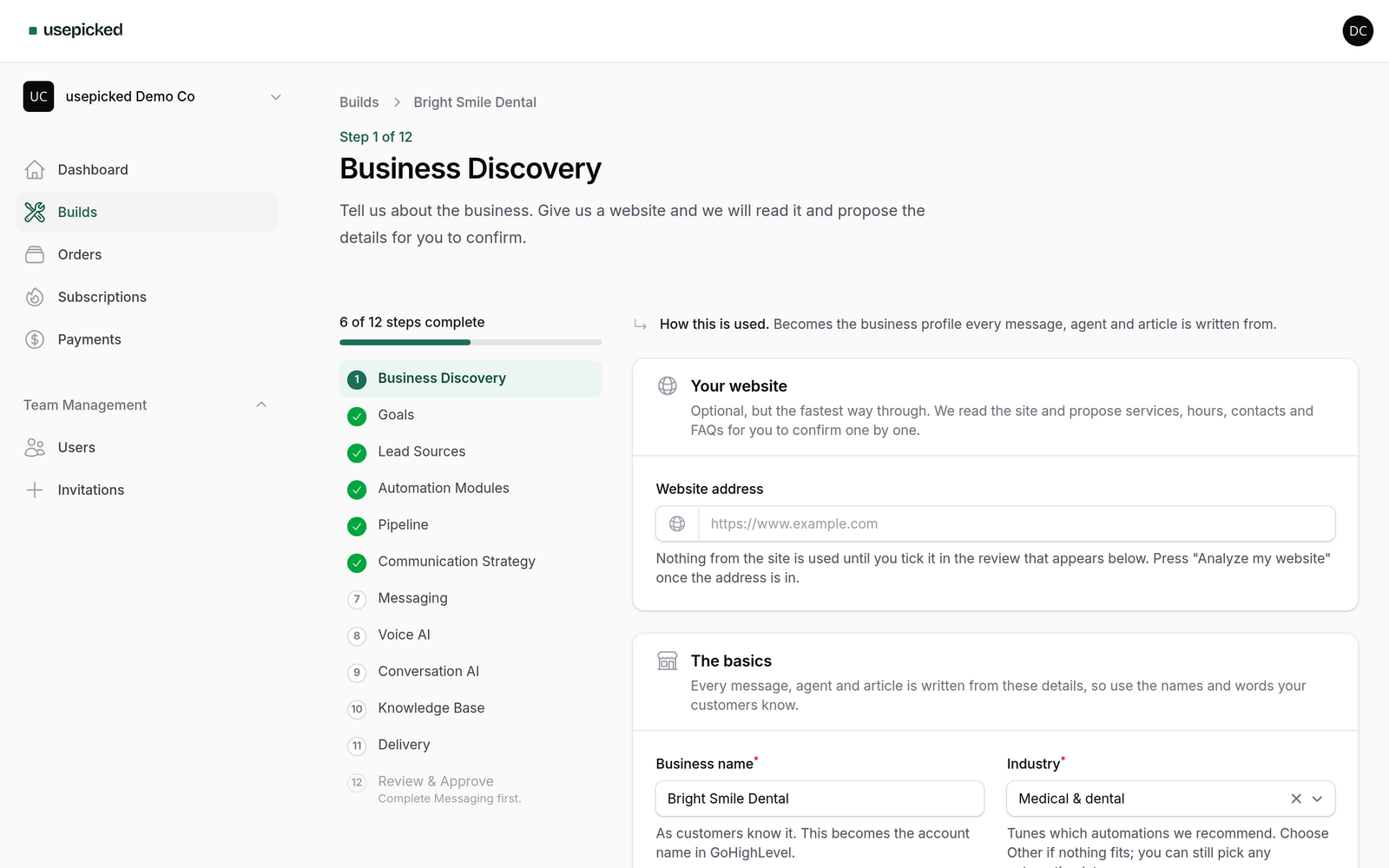
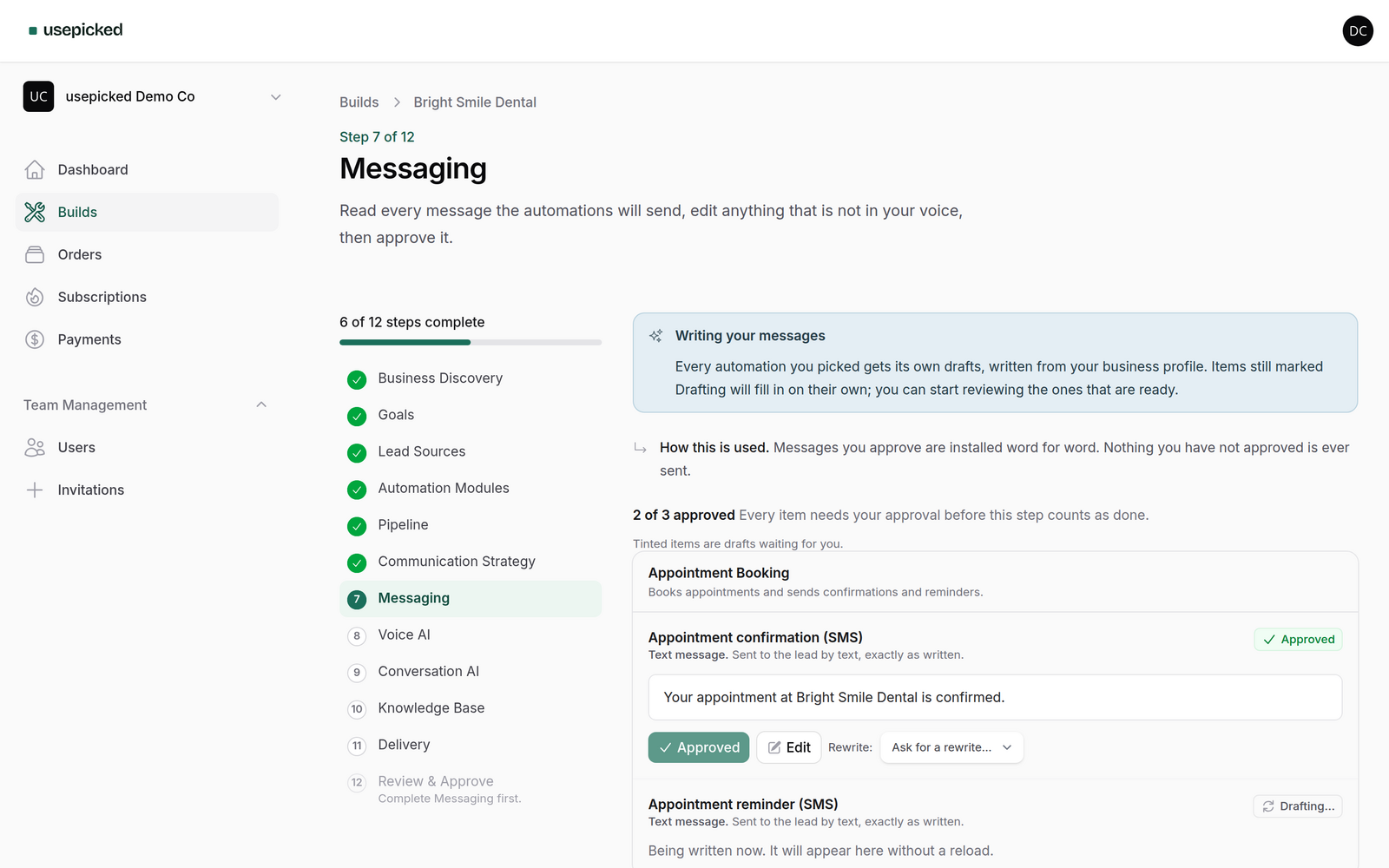
usepicked is built around that split. The wizard gathers facts (website analysis, then goals, lead sources and modules), drafts the pipeline, every message, the AI agents and the knowledge base, and asks you to approve each item. Approval freezes a versioned specification, provisioning writes it into a temporary GoHighLevel sub-account, and our team packages that account as a snapshot you import into your own agency, with a checklist for the connections a snapshot cannot carry.
Our target for the customer side is under an hour, and almost all of it is reading and approving rather than typing. Our target for the agency's own time after that is ten minutes to import and activate. Whether we hit those numbers for your kind of client is something you can check with a single Build, which is why every paid plan starts with a trial that includes one.
Time your next setup
Whatever tool you use, measure the next onboarding honestly. Note the start and end time of each of the seven steps above. Two things usually become obvious: message rewriting dominates, and the "afternoon" estimate never included it.